
How to Increase Shopify Conversion Rate with Video
By Foxr Team · Foxr · Updated · 12 min read
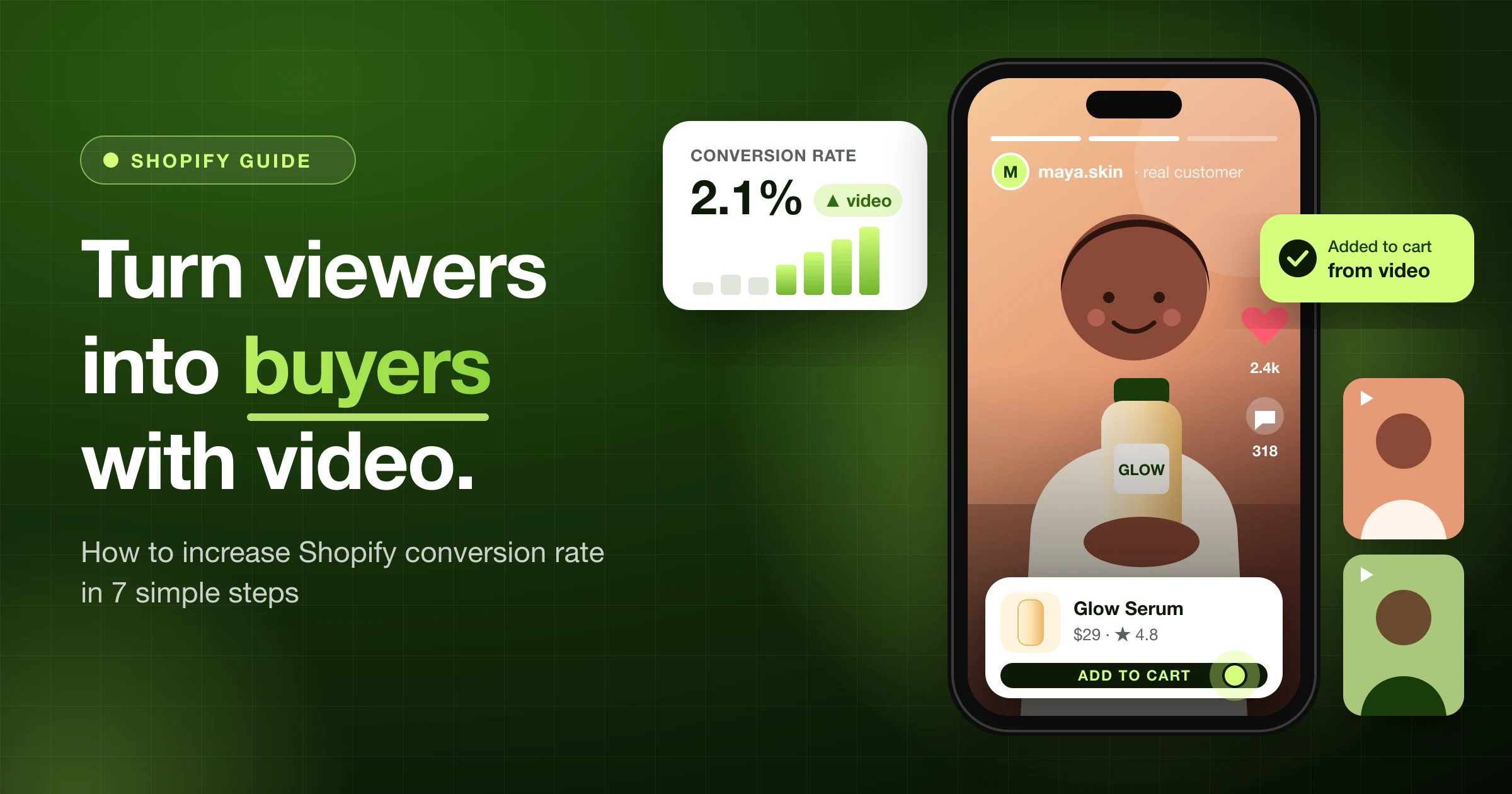
To increase your Shopify conversion rate with video, add short 15–30 second clips to your best-selling product pages that answer the #1 question buyers ask before they buy. Put the clip near the top of the photo gallery, show real customers, let shoppers add to cart from the video, keep your page fast, and compare your add-to-cart rate before and after.
That's the short answer. The rest of this guide shows you exactly how to do each step, even if all you have is a phone.
From our work with Shopify brands: The product pages that convert best almost always have one short, real video near the top that answers the buyer's biggest question. Not the prettiest video. The most useful one.
Key takeaways
- Video fixes doubt. People leave product pages because they can't touch the product. Video shows size, feel, and use.
- Short wins. 15–30 seconds, product in the first 2 seconds, captions on.
- Placement matters. Put your best clip in the first 1–2 spots of the product gallery.
- Make it shoppable. Let people add to cart without leaving the video.
- Speed matters too. A slow page can cancel out what the video gains.
- Measure it. Track add-to-cart rate and conversion rate for 2–4 weeks before and after.
What is a good Shopify conversion rate?
Your conversion rate is the share of store visits that end in an order.
- Formula: orders ÷ sessions × 100
- Example: 30 orders from 2,000 sessions = 1.5%
A typical ecommerce conversion rate is about 2.5% to 3%, but it changes a lot by industry and price. Find your own number in your Shopify admin under Analytics. Write it down today. You'll need it in Step 7.
Small gains add up fast:
| Monthly sessions | Conversion rate | Orders | Revenue at $40 per order |
|---|---|---|---|
| 10,000 | 1.5% | 150 | $6,000 |
| 10,000 | 1.8% | 180 | $7,200 |
| 10,000 | 2.1% | 210 | $8,400 |
Same traffic. Same ad spend. Moving from 1.5% to 2.1% adds $2,400 a month, or $28,800 a year.
Does video really increase conversion rate?
Yes, when the video answers a real buying question. It won't fix a bad product, a bad price, or a slow site.
Here's what video does that photos can't:
- Shows real size. A bag on a real shoulder beats a bag on a white background.
- Shows movement and texture. How a dress flows. How a cream spreads. How loud a blender is.
- Builds trust. A real customer saying "I use this every day" feels more honest than a studio shot.
- Answers questions early. "How do I use it?" gets solved in 10 seconds.
- Sets the right expectations. When people know what they're getting, fewer are surprised when it arrives.
A note on big numbers: You'll see blog posts promising "300% more sales" from video. From what we've seen, lifts like that are rare and usually come from stores that had almost no media before. Treat them as possible, not promised. Your own before-and-after test (Step 7) is the only number that matters for your store.
A quick story
Here's a pattern we've seen again and again. (This story blends several stores we've worked with.)
A small brand sells a $29 face serum.
The product page has six nice photos. But shoppers keep asking the same thing in chat: "Is it sticky?"
So the owner films a 20-second clip on a phone. One drop on the hand. Rub it in. Tap the skin. No sticky shine. That clip becomes the first item in the product gallery.
The chat question almost disappears. The video answered it before anyone had to ask.
That's the whole method: find the doubt, then film the answer.
What we've learned from Shopify brands we work with
We've helped Shopify brands add video to their stores and watched what happens to their numbers. A few lessons keep showing up:
- Phone videos often beat studio videos. Simple, real clips usually get more add-to-carts than polished brand films. Shoppers trust what looks real.
- The first 2 seconds decide everything. Clips that open on the product hold viewers. Clips that open on a logo lose them.
- Customer videos lift trust the most. A real buyer talking about the product tends to move more shoppers than the brand saying the same thing.
- Position beats production. Moving an existing video from the bottom of the page to the top of the gallery often helps more than making a new one.
- Add to cart inside the video changes the game. When shoppers can buy without leaving the player, more of the people who watch end up buying.
- The biggest wins come on best-sellers. That's where the traffic is, so that's where a small lift adds up to real money.
- Heavy videos can hurt. We've seen stores add video and lose sales because the page got slow on phones. Speed has to come first.
Step 1: Find the question that stops people from buying
Don't start with the camera. Start with your customers' doubts. Look here:
- Pre-sale chats and emails: What do people ask before they buy?
- Your reviews: What surprised people? ("It's bigger than I expected!")
- Return reasons: Why do people send things back?
- Competitor reviews: What do buyers complain about on similar products?
- Search terms on your store: What words do people type into your search bar?
Pick your top 3 questions. Each one becomes a video.
Step 2: Make the 4 videos that sell
You don't need a film crew. Each of these videos has one job:
| Video type | What it shows | The doubt it fixes |
|---|---|---|
| In-hand | The product held, opened, or worn | "How big is it? Is it good quality?" |
| How-to | The product working in 3 steps or less | "Is it hard to use?" |
| Customer (UGC) | A real buyer sharing why they like it | "Can I trust this brand?" |
| Problem → fix | The problem first, then the product solving it | "Will it work for me?" |
What we see most often: Brands start with a big brand film. Then they add a 20-second in-hand clip, and that simple clip ends up doing more of the selling.
Filming checklist:
- Keep most clips 15–30 seconds.
- Show the product in the first 2 seconds.
- Film vertical (9:16) for product pages and stories. Most shoppers are on phones.
- Add captions. Lots of people watch with the sound off, and captions help shoppers who are deaf or hard of hearing.
- Use daylight from a window. It beats a cheap ring light.
- End with the product name on screen.
Step 3: Use the videos you already have
You probably have great clips already. They're just stuck on social media.
- Instagram Reels with lots of comments
- TikToks from creators who tagged you
- Unboxing clips customers sent by DM or email
Always ask before you use a customer's video. Get a "yes" in writing. A simple message works: "We love your video! Can we share it on our website and product pages?" If the clip has music, check that you're allowed to use that song on your site, or swap in royalty-free audio.
With Foxr - Shoppable Videos & UGC, you can bring Reels, TikToks, and customer clips into one library and approve each one before it goes live.
Step 4: Put videos where shoppers decide
Where your video sits matters as much as what's in it. In the stores we've worked with, videos hidden below the fold get far fewer plays than videos in the photo gallery.
| Where | Best video | Why |
|---|---|---|
| Product page, photo gallery (spot 1 or 2) | In-hand or how-to | This is where the buy decision happens |
| Product page, near reviews | Customer videos | Backs up the star rating with real faces |
| Homepage | Customer video carousel | Builds trust from the first scroll |
| Collection pages | Short clips of best sellers | Helps people choose faster |
| Cart or checkout | Nothing | Don't distract people who are about to pay |
How to add video to a Shopify product: Go to Products, open a product, and add a video in the Media section. You can upload a file or paste a YouTube or Vimeo link.
Shopify's product video limits:
- Formats: .mp4, .mov, or .webm
- Length: up to 10 minutes
- File size: up to 1 GB
- Resolution: up to 4K
Shopify streams uploaded videos at 480p, 720p, or 1080p based on the shopper's connection. Just because you can upload 10 minutes doesn't mean you should. Keep product clips short.
Step 5: Make the video shoppable
Here's a leak most stores miss.
A shopper watches your video and loves it. Then they have to close it, scroll up, pick a size, and find the "Add to cart" button.
Every extra step is a chance to leave.
A shoppable video fixes this. The product appears on the video with its price and an add-to-cart button. People can buy while they're still excited.
What to look for in a shoppable video app:
- Product tags with price and photo on the video
- Add to cart inside the player, including size and color
- Swipe to the next video without leaving the page
- Auto-filtering, so each product page shows only that product's videos
- Tracking for views, add-to-carts, and sales per video
- Theme app blocks, so there's no code to paste
Pro tip: Tag more than one product in a video. If a customer is wearing a full outfit, let shoppers buy the whole look.
Step 6: Keep your page fast
Video files are big. A slow page can wipe out everything the video gains.
A good Largest Contentful Paint (LCP), the time it takes your main content to show, is 2.5 seconds or less. Here's how to protect it:
- Use a light cover image. Load the full video only when someone taps play.
- Lazy-load videos lower on the page. They load only when the shopper scrolls near them.
- Keep clips short and compressed. A 20-second clip rarely needs to be huge.
- Avoid autoplay with sound. It's annoying and uses mobile data.
- Limit autoplay to one muted video per screen.
- Test before and after with a page speed testing tool.
Step 7: Measure what the video actually sells
Don't guess. Compare 2–4 weeks before with 2–4 weeks after.
Track these numbers for the product page:
- Conversion rate: orders ÷ sessions
- Add-to-cart rate: add-to-carts ÷ product page views
- Video play rate: plays ÷ page views
- Sales from viewers: orders from people who watched
Keep the test fair:
- Don't change the price or run a big sale at the same time.
- Compare the same days of the week.
- Wait for enough traffic. A few hundred visits isn't enough to be sure.
- If you have the traffic, run an A/B test (half see video, half don't).
Our rule of thumb: Don't judge a video in its first few days. We've seen early results swing up and down before they settle.
What the results tell you:
| What you see | What it means | What to do |
|---|---|---|
| Lots of plays, more add-to-carts | The video works | Make similar clips for other products |
| Lots of plays, no change in sales | Wrong question answered | Film a different doubt |
| Very few plays | People can't find it | Move it higher in the gallery |
| Page got slower | Files too heavy | Compress, lazy-load, use a cover image |
Bonus: Help search engines find your videos
Video can also bring new visitors from search. To help search engines show your videos:
- One clear video page or spot where the video is easy to find
- A good thumbnail at a stable web address
- A clear title and description that match what's in the video
- Video structured data (VideoObject) with a name, thumbnail, and upload date
If you also post the clip on a video platform, use a title that matches what shoppers search, like "How to use [product name] in 30 seconds."
6 mistakes that waste your videos
- ❌ Long brand films on product pages. Save those for your About page.
- ❌ Burying video at the bottom of the page.
- ❌ Only studio footage. Mix in real customers.
- ❌ No captions. Many mobile viewers have sound off.
- ❌ Big autoplay files that slow the page.
- ❌ Never checking results. A video that doesn't sell is just decoration.
Your 7-day video plan
Want to start this week? Here's the plan:
- Day 1: Pick your best-selling product. List its top 3 buyer questions.
- Day 2: Film 3 short clips on your phone, one per question.
- Day 3: Ask 3 happy customers for permission to use their videos.
- Day 4: Add your best clip to spot 1 or 2 in the product gallery.
- Day 5: Add a row of customer videos near your reviews.
- Day 6: Run a page speed test and fix anything slow.
- Day 7: Write down your starting numbers. Check again in 2–4 weeks.
FAQ
Does video increase Shopify conversion rate?
It can, especially when the video answers a doubt like size, feel, or how the product works. In the Shopify brands we've worked with, short real videos on best-selling product pages are one of the most reliable ways to lift add-to-carts. Results vary by product, so test on your own store.
How long should a Shopify product video be?
Aim for 15 to 30 seconds on product pages. Show the product in the first 2 seconds, add captions, and film vertically for mobile shoppers.
Where should I put videos on my Shopify store?
Start with your best-selling product page, in the first or second spot of the photo gallery. Then add customer videos near your reviews and a video carousel on your homepage.
What video formats does Shopify support?
Shopify product media accepts .mp4, .mov, and .webm files up to 1 GB and 10 minutes long, at up to 4K resolution. You can also embed YouTube or Vimeo links.
What is a shoppable video?
A shoppable video has products tagged on it. Shoppers can see the price and add the item to their cart right from the video, without going to another page.
Will video slow down my Shopify store?
It can if files are heavy or autoplay right away. Use a light cover image, lazy-load videos lower on the page, and test your page speed before and after.
Can I use customer videos from Instagram or TikTok?
Yes, but always get the creator's permission first and check that any music is cleared for use. Then you can add their clips to your product pages as user-generated content (UGC).
Next step: turn views into sales
You already have the traffic. Video helps more of those visitors say yes.
Start small: one product, three short clips, one number to track.
When you're ready to make those clips shoppable, Foxr - Shoppable Videos & UGC lets you import Reels, TikToks, and customer videos, tag your products, and let shoppers add to cart right from the video. No theme code needed.
Once more people are buying, grow each order too. See how Bundle Builder and Post Purchase Upsell raise average order value.